Character
Explore the original cast and their individual designs.
The body separates to reveal the engine, suspension and running gear.
 3dforge.build
Models. Worlds. Stories. Yours.
Explore 3D assets, living worlds and the tools to make them yours.
Free Explorer account · No credit card
 A place to beginExplore a StudiCraft scene↗A living atlasThe 40K world ↗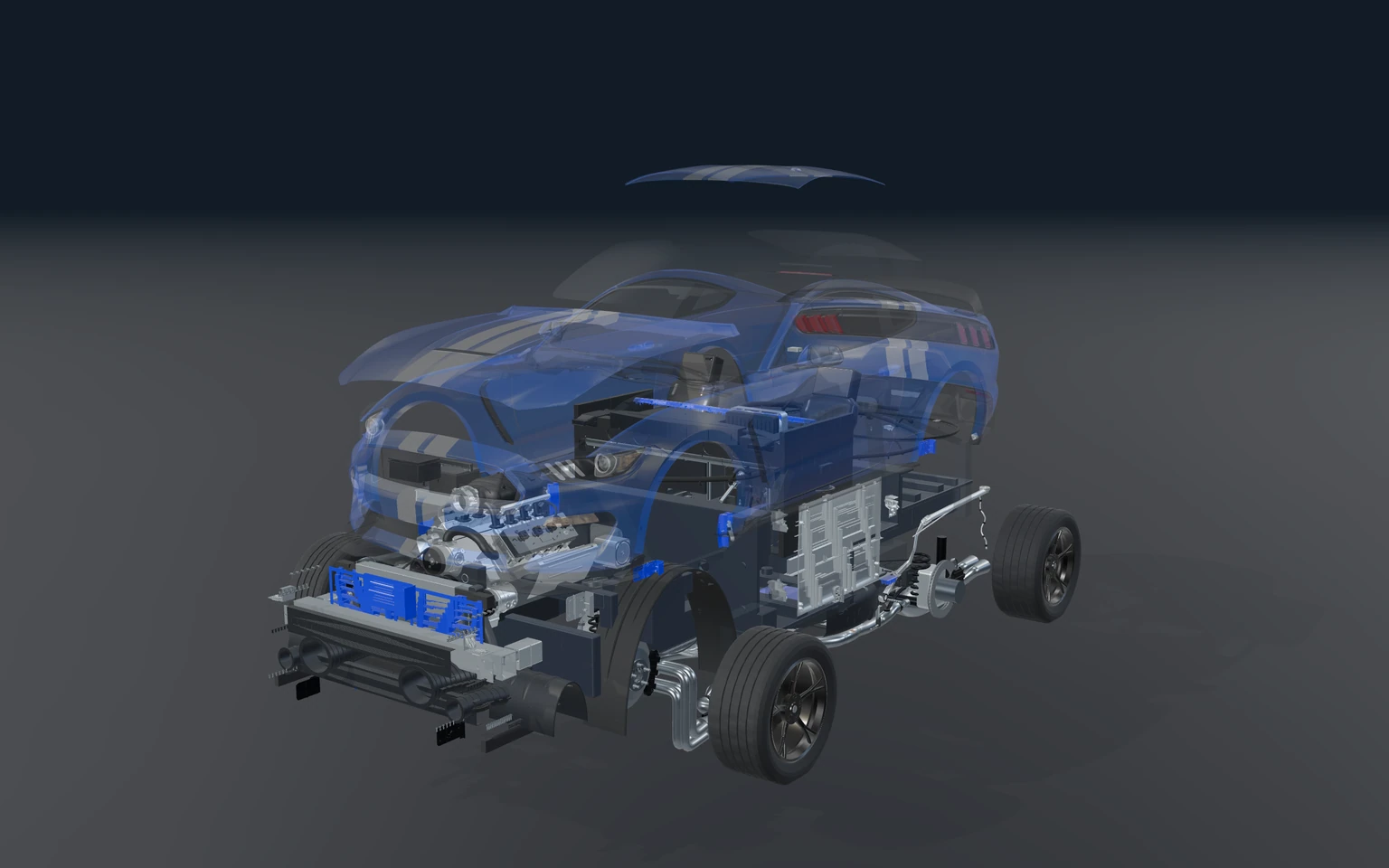
Different worlds. Your creative universe.
43 project captures. Explore a view. Make it your own.
Make yourself
at home.
Your free Explorer account
Pick a model. Try a material. Find the scene that sparks something. Your own workspace is a good place to begin.
StudiCraft / Game engine preview
Shape the landscape. Create the pieces. Give characters a purpose. A game engine built around the world you want to make.
Discover StudiCraft Full studio coming soon · Explore the demos today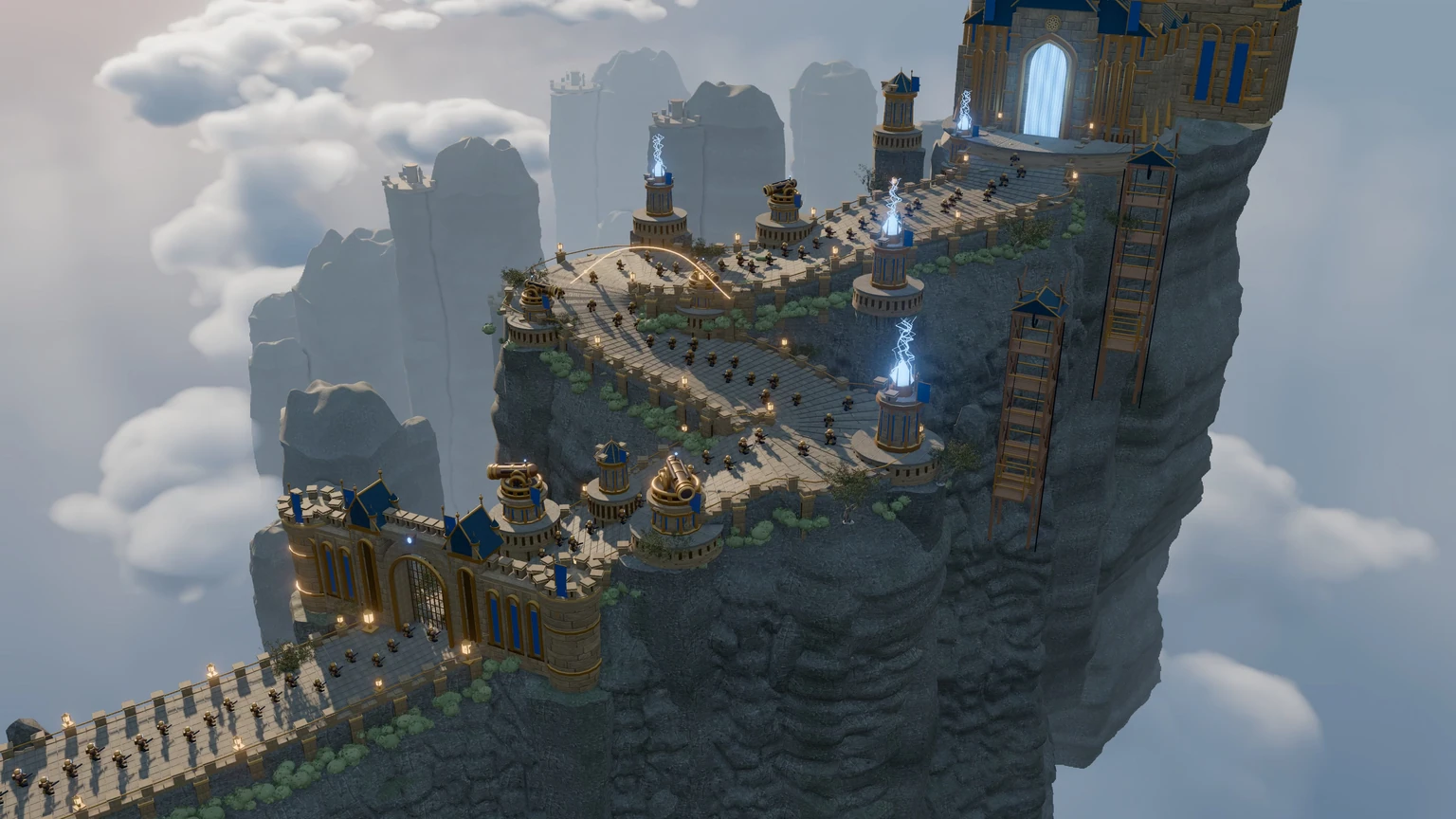
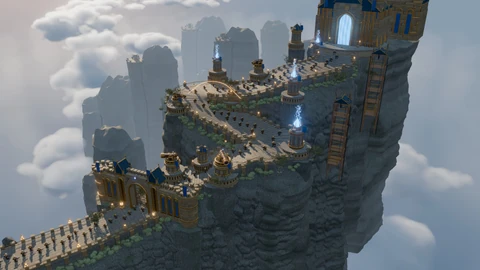
The actual procedural cliff fortress, with rising terraces, defensive structures, clouds and its blue-lit gateway.
The whole creative process
One world, with room for every part of making it.
Terrain, models, tiles and voxels. Arrange a scene, shape its atmosphere and find the right camera.
Explore player controllers, collisions, inventory, dialogue and quests in the engine’s game workflows.
Start from procedural models and materials, then work with sprites, sound and the objects your world needs.
Work with rigs, animation clips, keyframes, procedural motion and sound.
Compose cameras, shots and timelines. Plan the movement and rhythm of a scene.
Save editable projects, revisit a scene and bring reusable models into the next idea.
From inspiration to your next creation
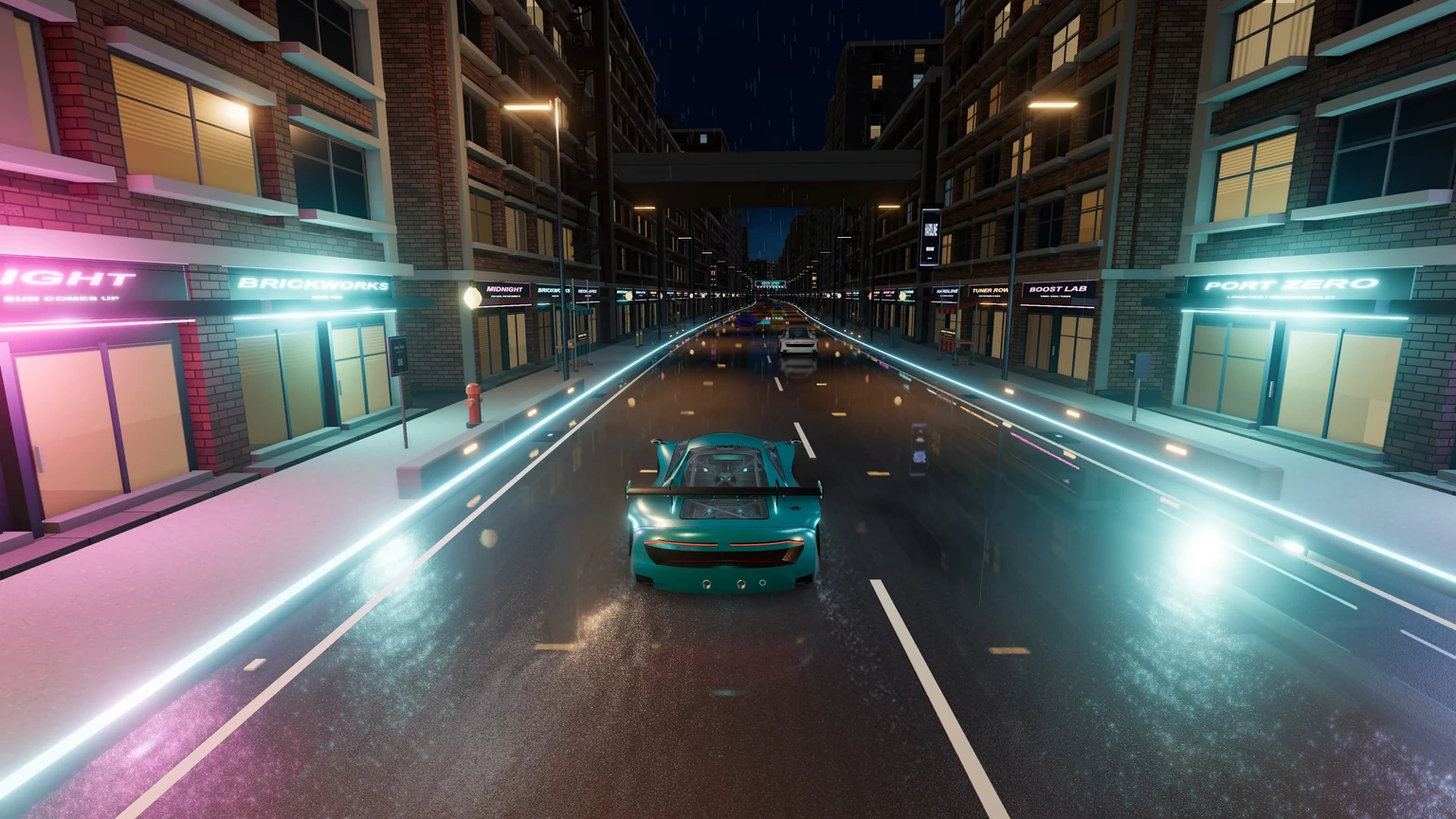
Neon Apex / After hours
Ten cars. Six districts. Rain on the road, light in the windows and a city that goes far beyond the next corner.
Explore Neon ApexTuner Row, Port Zero and the Night Market. Follow the road, inspect a car, or pull back and explore the environment.
↗From inspiration to your next creation
Apex V8 / Assembly study
Look beyond the bodywork. Explore the engine, chassis and mechanical relationships that make a detailed assembly worth understanding.
Inspect the assembly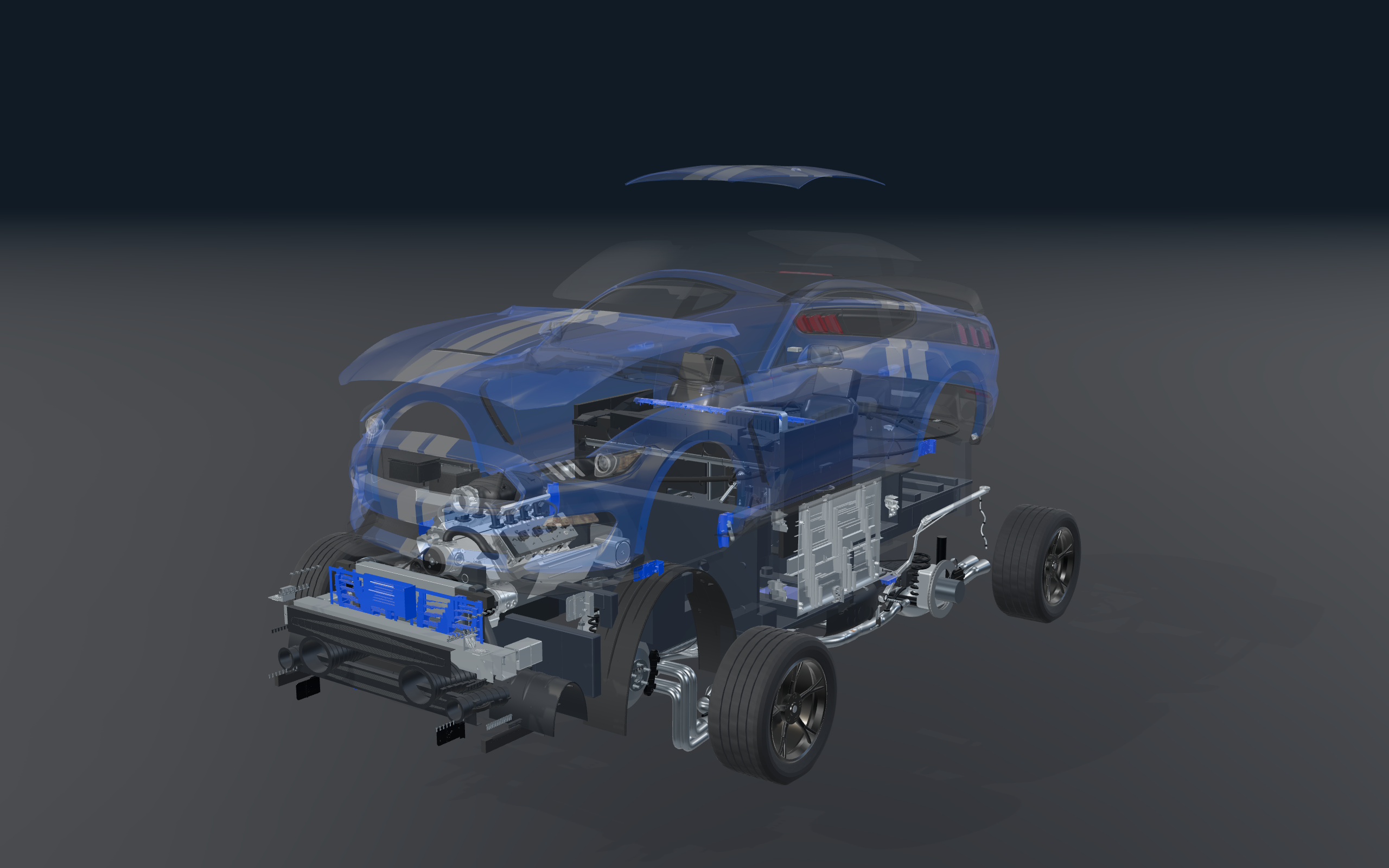
The downloaded vehicle shell is separated and translucent around the actual engine, gearbox, cabin, suspension and exhaust. This is a direct render of the current fitted assembly.
These seven views are native exports from the assembly viewer. Enlarge a view to open its unmodified, full-resolution PNG. The vehicle reference shell is by REALISTIC 3D MODELS, recorded in the source metadata under CC BY 4.0. It was fitted to the assembly, recoloured and striped for this study. Apex V8 is the presentation name.
From inspiration to your next creation
The 40K world / A living atlas
Zoom from the whole atlas into individual paths, buildings and waterways. Follow the live tags and traced outlines as this world takes shape.
Enter the living world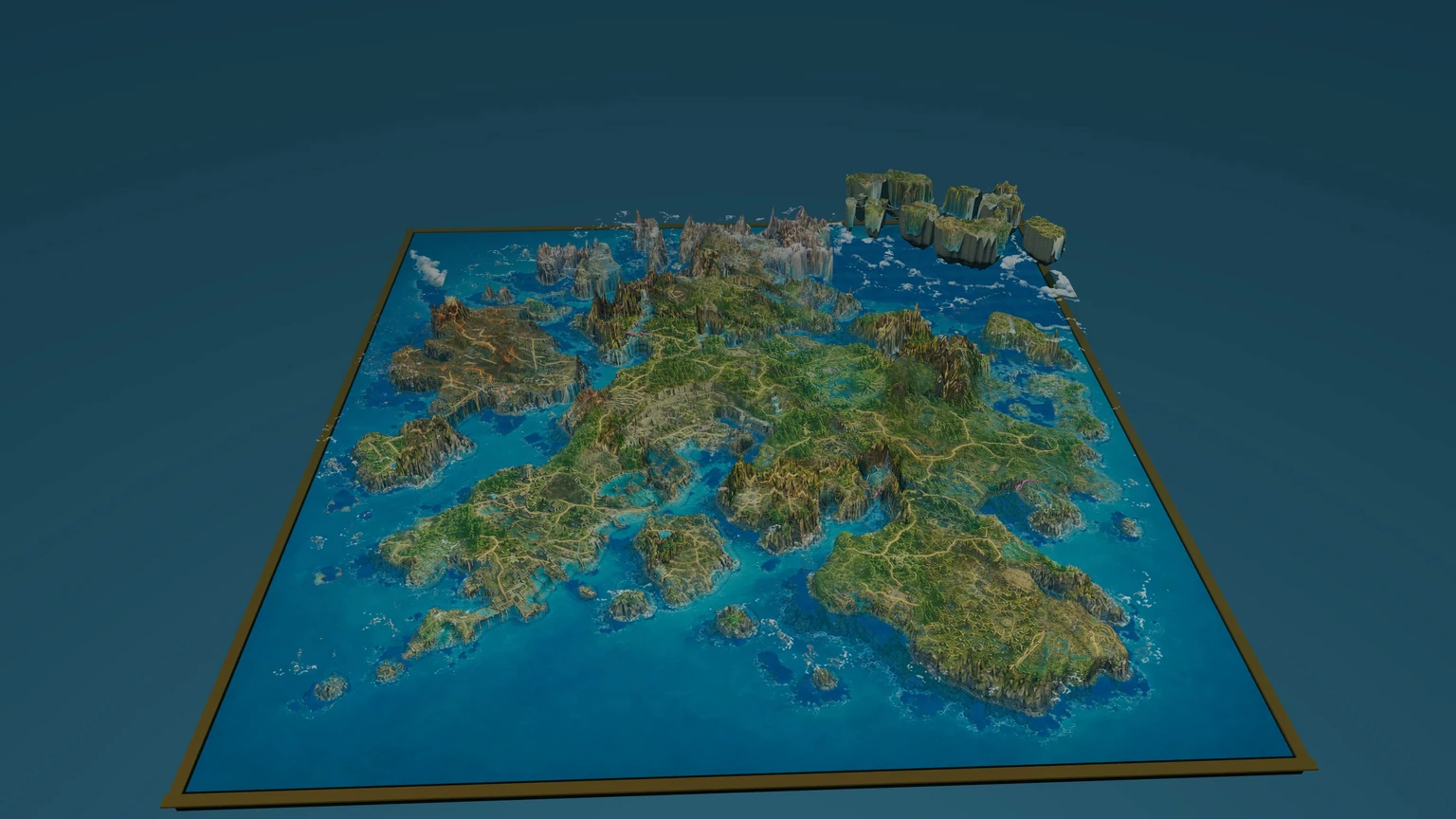
A direct capture of the V76-r3 interactive terrain, preserving the actual coastline and relief.
From a complete map to the things that belong in it.
Explore the procedural collectionFrom inspiration to your next creation
Aria Studio / Characters & stories
Original characters with a voice, an expression and a story to tell. Meet the cast, inspect the rigs and explore the path from character to scene.
Meet Aria’s characters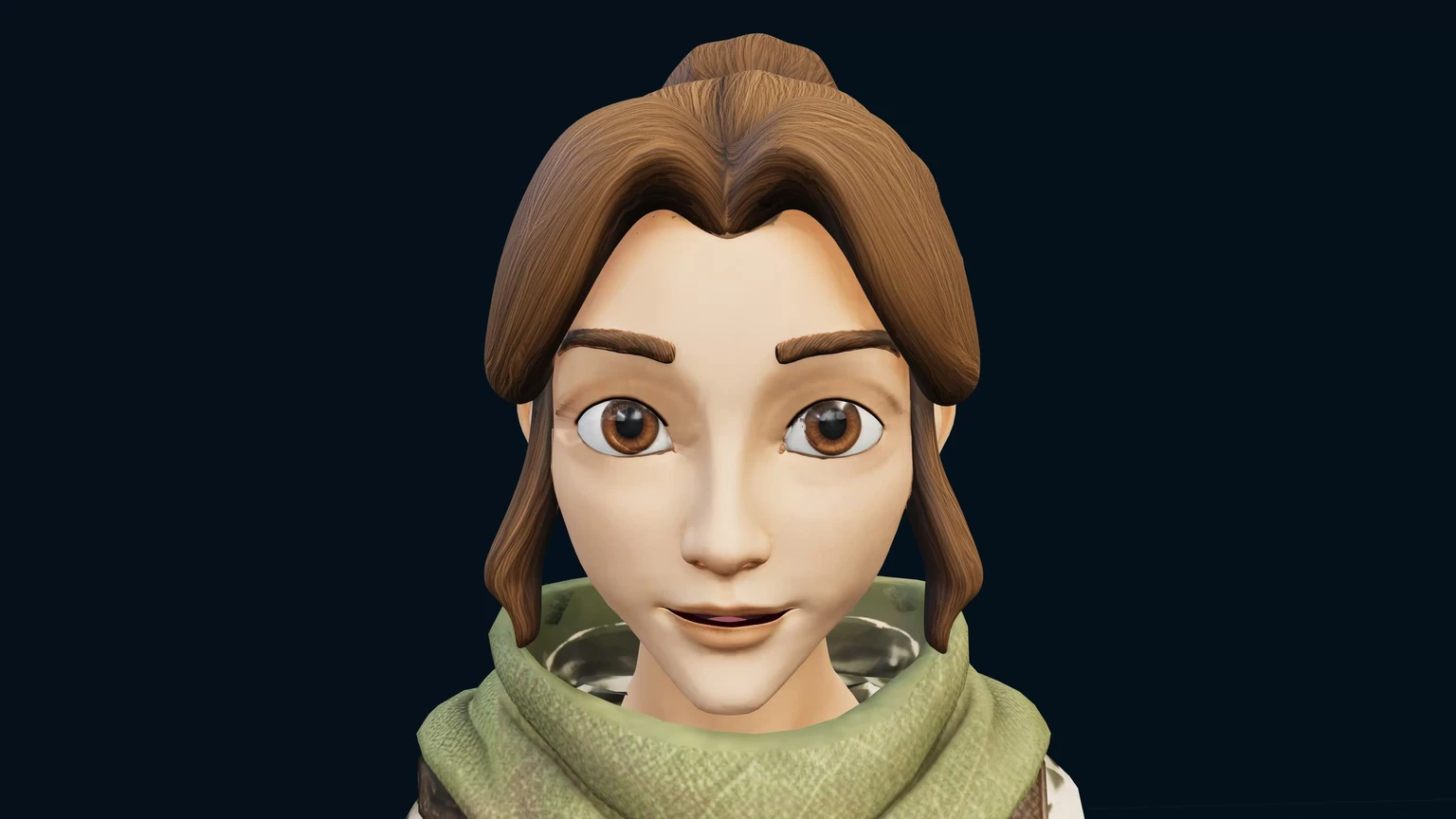
A native frame of Lyra’s revision-72 talking model, captured from the real Aria face and speech workflow.
Explore the original cast and their individual designs.
Inspect rigged models, expressions and recorded dialogue.
Bring a character into a scene and find the next moment.
From inspiration to your next creation
Film Studio / Coming soon
A camera changes a scene into a story. Plan a shot, choose the movement and build a sequence from the world you’ve made.
Explore cinematic workflows Film Studio coming soonNative project frame · Film Studio coming soonBuilt to be experienced
Compose the camera, shape the movement and find the story in the world you have made. Explore the engine’s cinematic workflows.
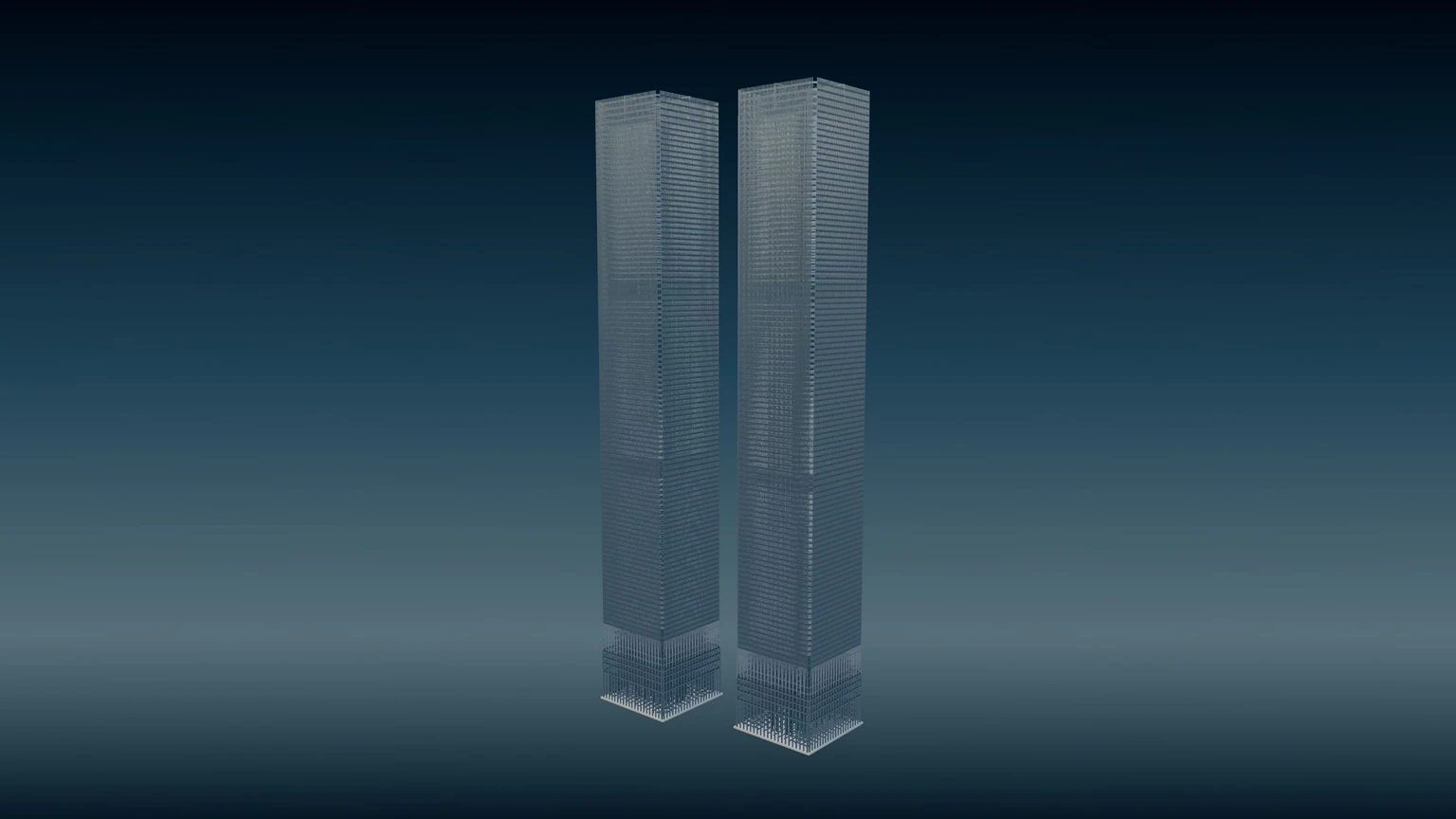
Film creditsWorld Trade Center / Historical reconstruction
Explore the original Twin Towers through their façades, structural layers and building systems. Move from an architectural view into plans and details.
Explore the reconstructionFrom inspiration to your next creation
HouseBuilder / Plan. Frame. Finish.
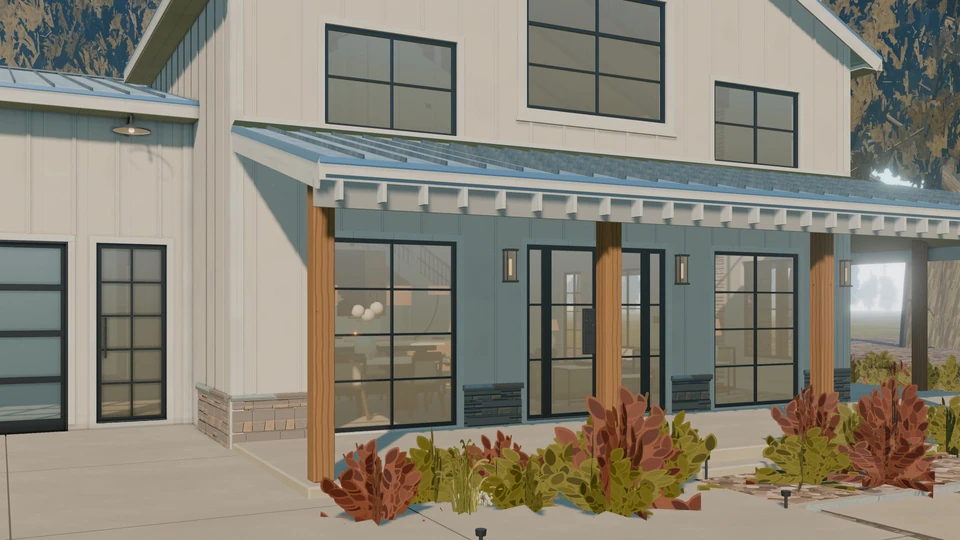
Walk through the current Meadow Farmhouse, from exterior and interior to coordinated framing and roof details.
Explore HouseBuilder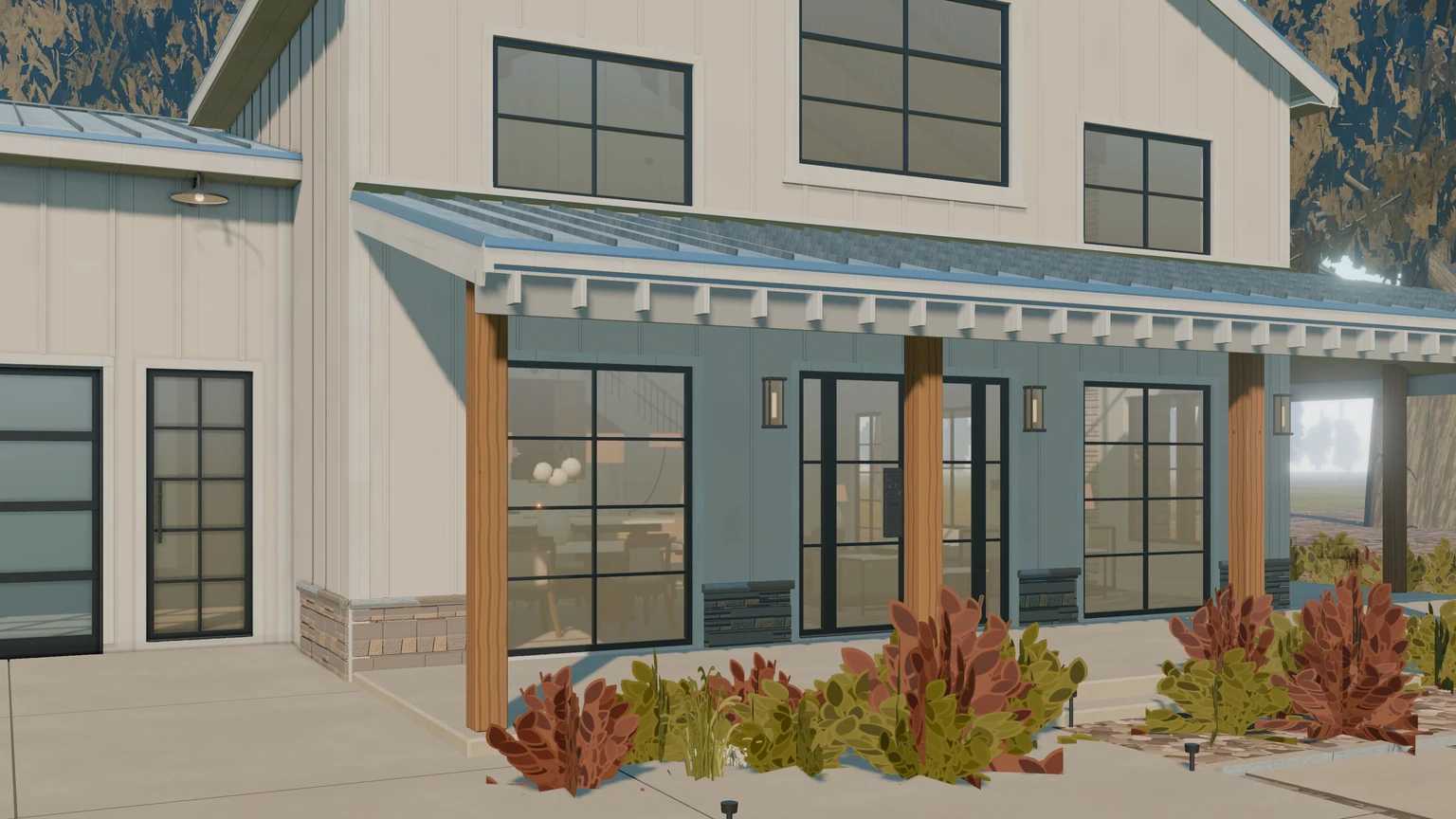
A native frame from the Whistlewood walkthrough showing the front porch, timber posts, glazing and exterior finishes.
Form, structure and the details of living.
Film: Meadow Farmhouse / Gallery: original house and timber barn capturesFrom inspiration to your next creation
Industrial Factory / Connected processes
Follow a cable jacketing line through the hall. Inspect the reels, machines, guides and stations that turn separate parts into a connected process.
Walk the production line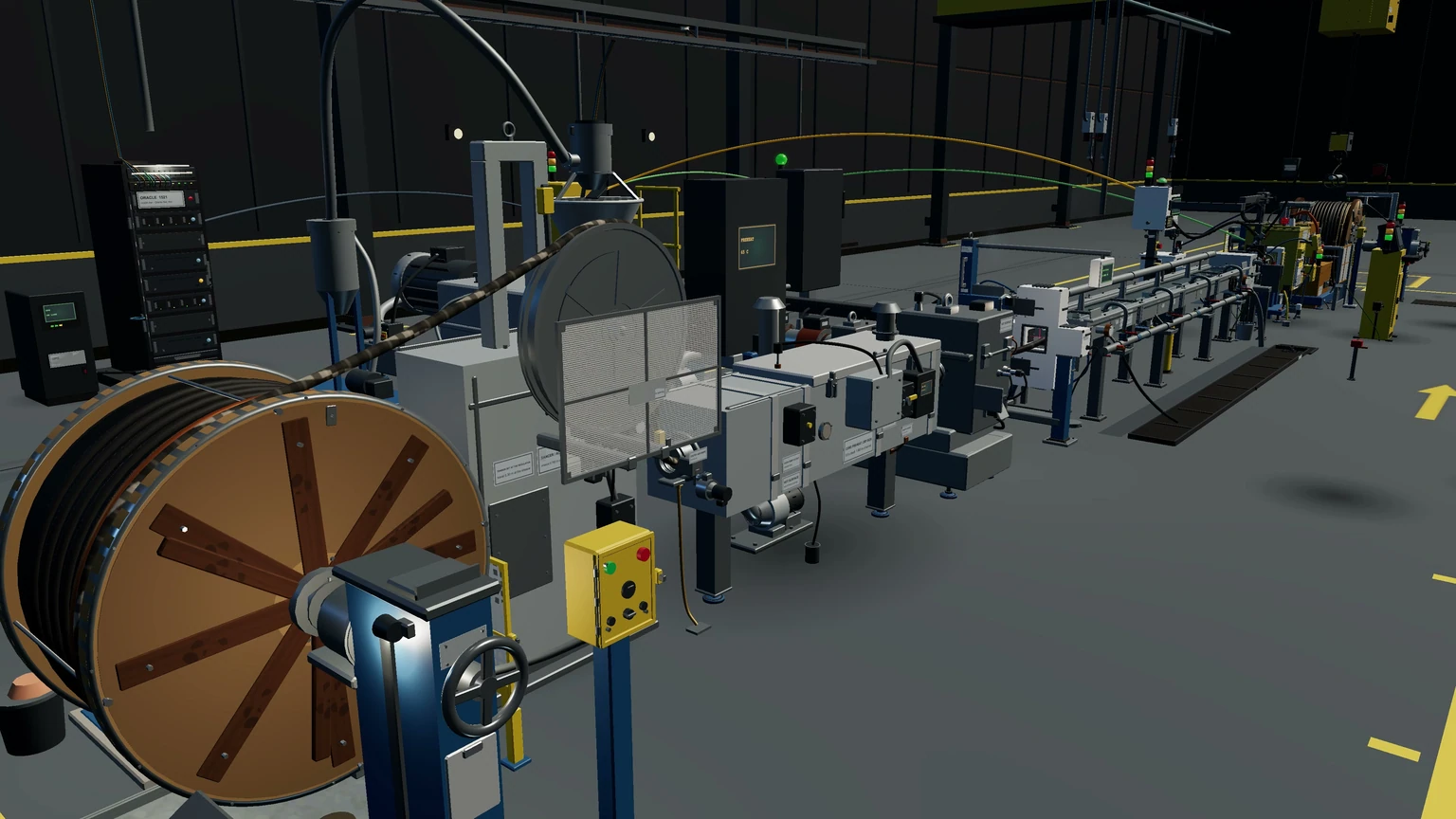
A native walkthrough frame of the real cable-jacketing line and surrounding machinery.
Reel, dancer and feed
The crosshead and jacket
Through the trough
Marking and spark test
Haul-off and winding
From inspiration to your next creation
Box3D WebGPU / A world that responds
Tension, weight, support and motion. Open a physics study and explore what happens when the parts of a world meet.
Open the physics lab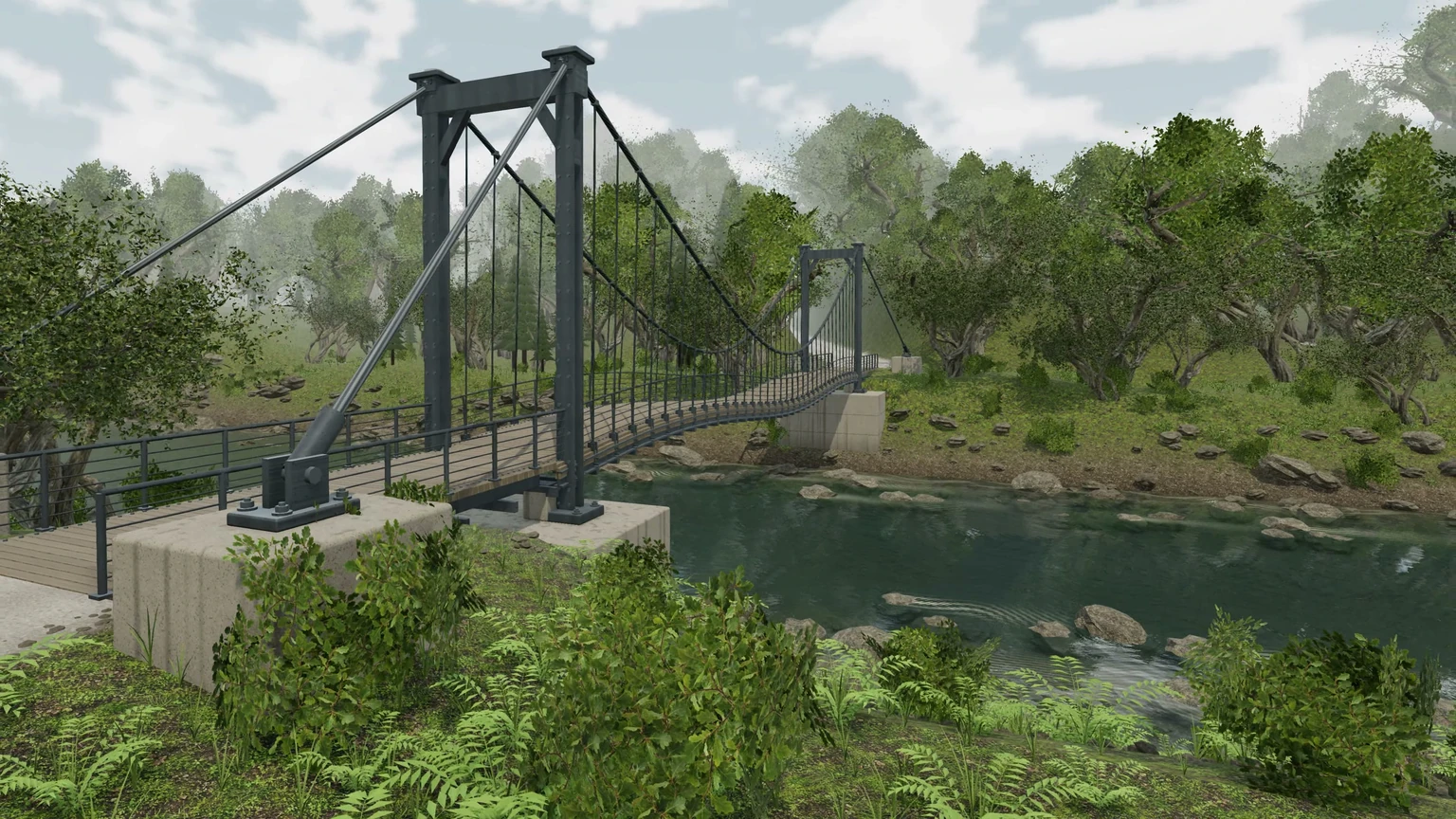
A native frame of the current river bridge, including the deck, cable supports and surrounding scene.
Material, attachment points and a surface shaped by its supports.
Explore a metal study and the relationships between force and form.
Follow the span, cables and connections in the experiment workspace.
From inspiration to your next creation
Material Forge / Surfaces with character
Water, stone, grass and light. Explore the captured river scene, then discover the PBR library for the surfaces in your own world.
Explore 500 PBR materials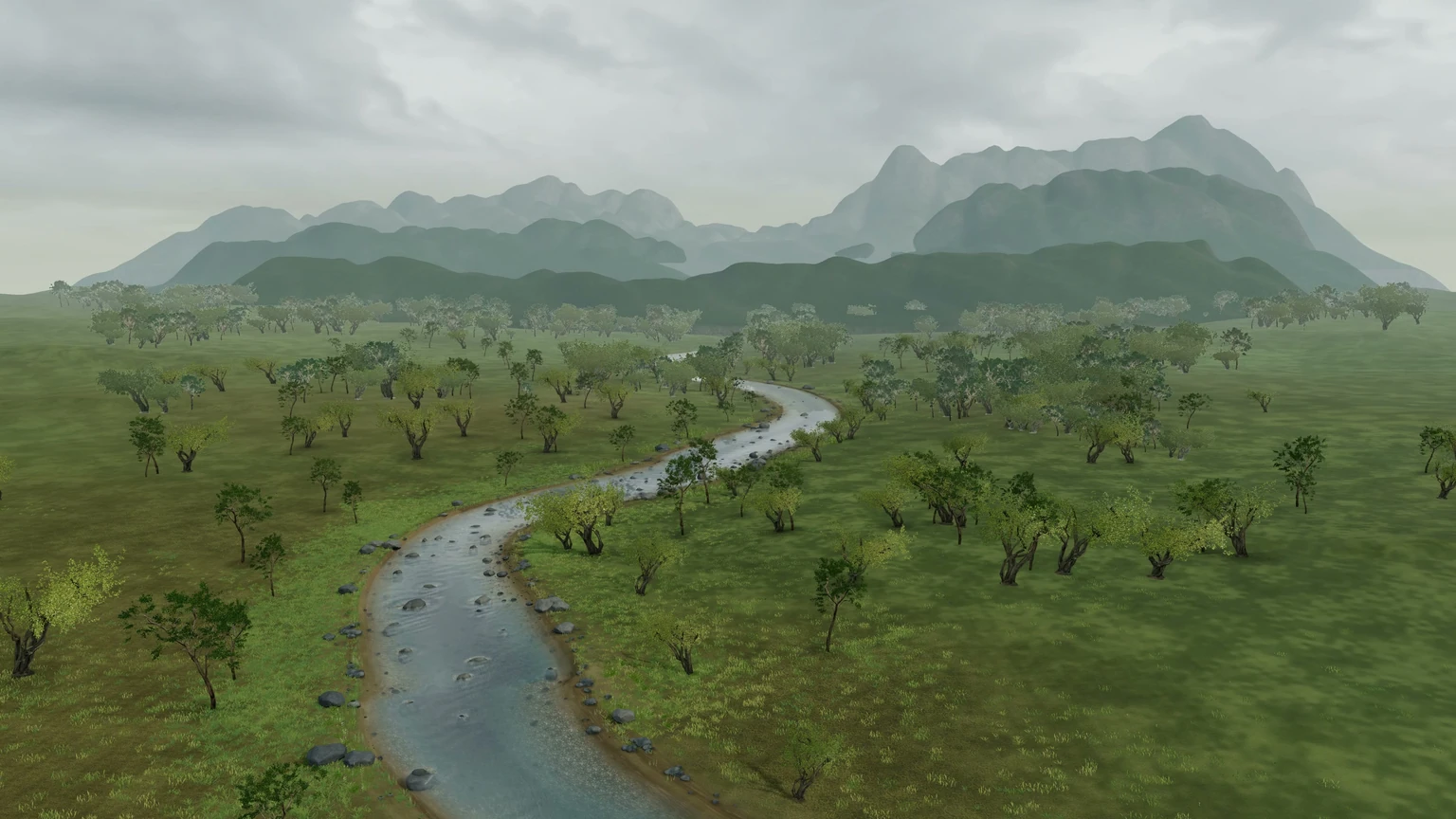
A native scene capture showing the actual river course through the tree-lined meadow and mountain landscape.
From inspiration to your next creation
Your idea / Your starting point
Start with a reference image, a written idea or a collection you love. Keep the design in view as the scene takes shape.
Open world generationA starting point. A thousand directions.
Choose a source to explore, keep as a reference, or make into your own variation.
StudiCraft scene workspace
Explore the captured cliff fortress and its scene source. Keep your brief beside the reference as you plan your own world.
Bring an image, describe a world, or choose a reusable starting point.
For a text idea, review the concept image before committing to a scene.
Generate the scene. Inspect it, give feedback and develop the details.
Keep the editable project and export the available model or workflow.
Image-guided world generation is a developing workflow. Model access, account limits and scene complexity affect availability and results.
Choose a starting pointChoose how far you want to go
Start exploring for free. Choose more capacity, a larger collection or a place among the founding creators.
Compare the membershipsFind your first idea
Free
Explore the library and start creating.
A creative workspace
$20/ month
More room for your material workflow.
Build your toolkit
$99/ month
An expanding collection for independent creators.
Bring a world together
$499/ month
Complete scenes and repeatable workflows.
Your full creative collection
$2,500/ month
The complete collection, with room for what comes next.
Limited to 100 founders
One founder year.
Room to build.
All prices USD. Access requests do not take payment. *Unlimited applies to local procedural builds and downloads from the included, released collection during the 12-month term. Hosted AI, third-party generation credits and cloud compute are separate. Downloaded assets retain their source licences.
Before you begin
Yes. Your free Explorer account includes three texture generations each month at 1K, plus a workspace for your creations. You can explore procedural 3D assets and the available demos before choosing a paid plan. No credit card is required to create a free account.
The procedural model workflow supports GLB export. Material workflows provide texture maps such as base colour, normal and roughness. Available formats and export limits vary by tool and membership. Check each source licence before using an asset in your project.
Explore materials, procedural models, complete scenes, character workflows, architecture and physics. Each collection links to the available project and its source notes.
Yes. Use the reference and template actions beside each available collection. A reference keeps the source and your brief together; a template opens its editable recipe or source workspace.
Yes. StudiCraft brings scene building, gameplay, assets, animation and cinematic workflows together. Explore the available demos while the full studio is in development.
Keep your downloaded files for life under their source licences. Updates and hosted features follow the membership term.
The galleries show 43 native project captures. The films show native project animation, including the original vehicle assembly. The social preview uses its original capture, with no AI redraw. Enlarge any of the seven assembly views to inspect its original full-resolution export. The decorative hero atlas is separate background artwork. The films and galleries are recorded project views; open a collection to explore the interactive project.
ULTRAMAX is limited to 100 founder memberships. Apply for a one-year membership; approved applications receive onboarding and payment instructions. An application does not reserve a place or take payment.
You have the idea. Find your starting point, make it your own, and see where it takes you.
Create my free accountFree to start. No credit card required.